Re-Scoring Past Runs
Phone calls cost money. Re-scoring lets you try different checks against an existing run without placing a single new call. The transcripts and recordings are already on Okareo's side. Only the evaluation step runs again.
When to Use This
- Tuning thresholds. You want to see what the run's
result_completedrate would be with a stricter judge prompt. - Comparing check definitions. You shipped a new version of a custom check; rescore last week's runs to validate it.
- Retroactive analysis. A new check (e.g.
empathy_score) didn't exist when the run happened. Add it now without re-calling. - Cost discipline. Iterating on quality criteria during development without burning real call minutes.
How to Re-Score
In the App
- Open any finished voice simulation run.
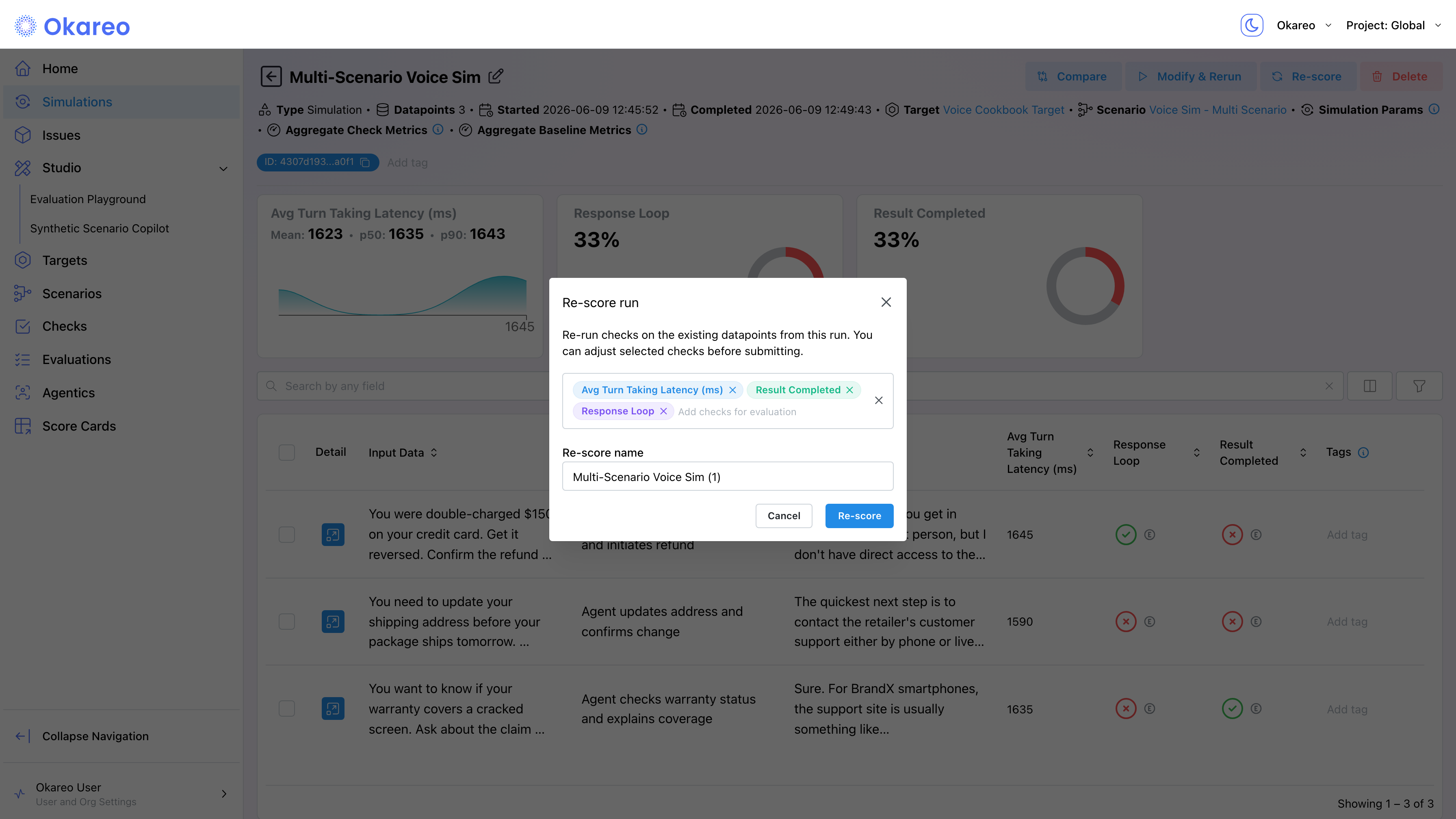
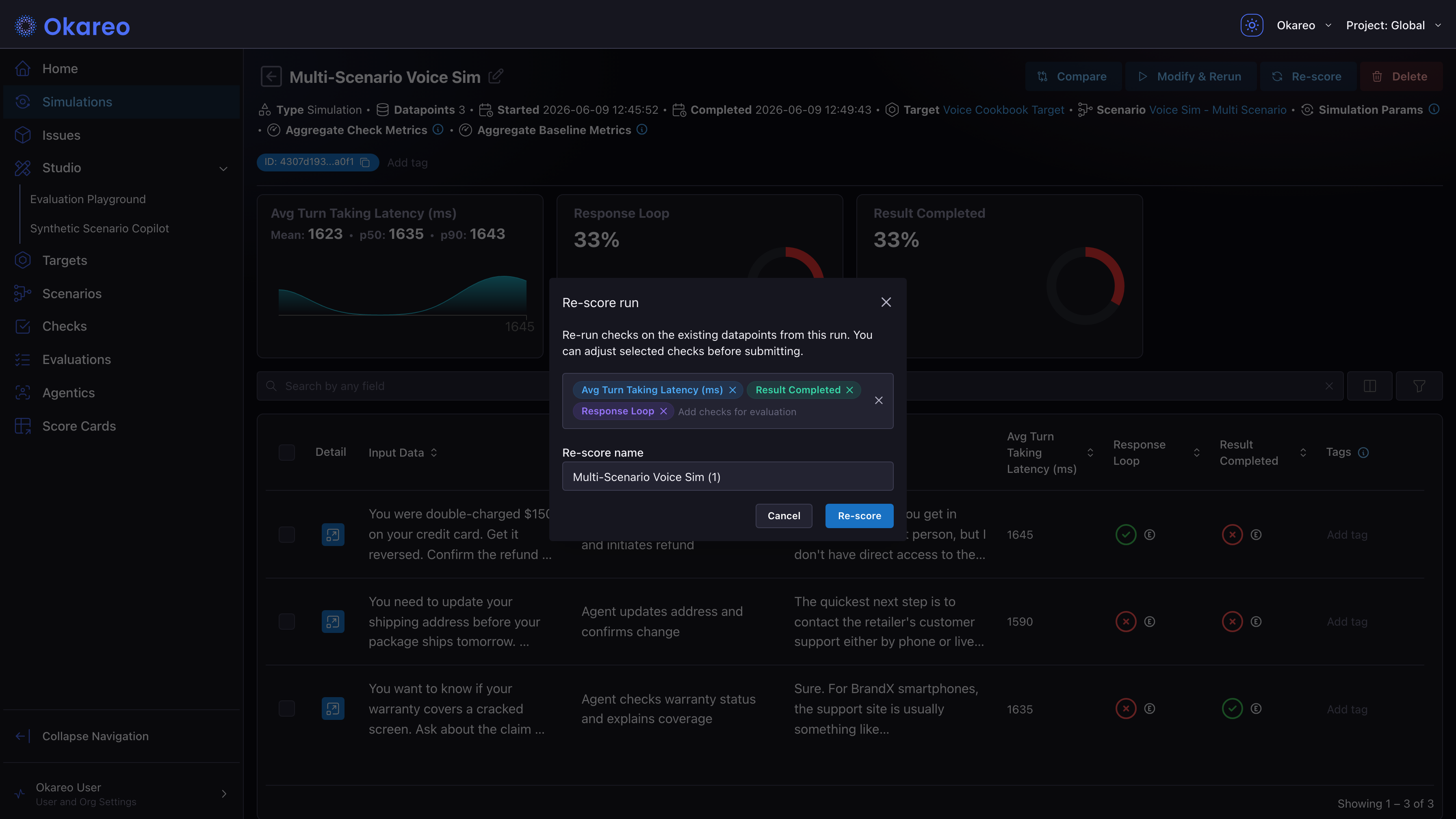
- Click the Re-score button.
- In the Re-score run modal, select the checks you want to apply. The selector groups Okareo's published checks and your custom checks; mix them freely.
- Adjust the Re-score name if you want, then click Re-score.
- The new run appears in your simulations list, tagged with a Source link back to the original. Open both to compare check results on the same conversations.


From the SDK
okareo.re_evaluate(...) accepts a list of checks and an optional new name. It returns a new test run with the same conversations and the new scores.
import os
from okareo import Okareo

okareo = Okareo(os.environ["OKAREO_API_KEY"])

# 1. Find the source run you want to re-evaluate
all_runs = okareo.find_test_runs(name="Multi-Scenario Voice Sim")
source = next(r for r in all_runs if r["status"] == "FINISHED")

# 2. Re-evaluate with new checks
new_run = okareo.re_evaluate(
    test_run_id=source["id"],
    checks=["response_consistency", "total_turn_count"],
    name="Rescore - New Checks",
)
print(f"New run: {new_run.id}")
print(f"Results: {new_run.app_link}")
| Argument | Notes |
|---|---|
test_run_id | ID of the source run to re-evaluate. |
checks | List of check names or check UUIDs. Mix of predefined and custom checks works. |
name | Optional. Name for the new re-evaluated run; helps distinguish it in the run list. |
What Gets Reused vs Recomputed
| Reused (from the source run) | Recomputed (in the new run) |
|---|---|
| Phone calls (no new dialing) | Per-turn check scores |
| Transcripts | Per-row aggregate scores |
| Audio recordings | Run-level mean / percentile scores |
| Driver and Target configurations | Per-check pass/fail status |
| Scenario rows and metadata | App link / run ID |
The new run is a sibling of the source: same conversations, fresh evaluation pass.
A re-score can only compute what the source run captured. If a run lacks per-turn timing detail, max_time_to_first_audio reports no value for it rather than misreporting an average as a maximum, and those rows are excluded from its means and percentiles.
Using It in Your Workflow
A common pattern: keep a "canonical" voice run that exercises representative scenarios, then re-score it whenever you change a check.
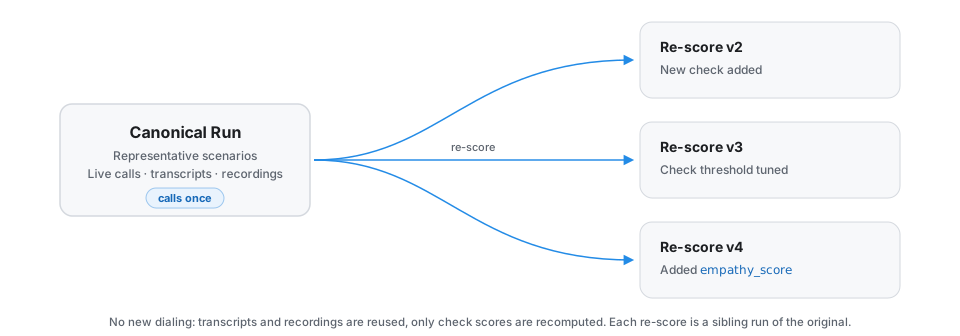
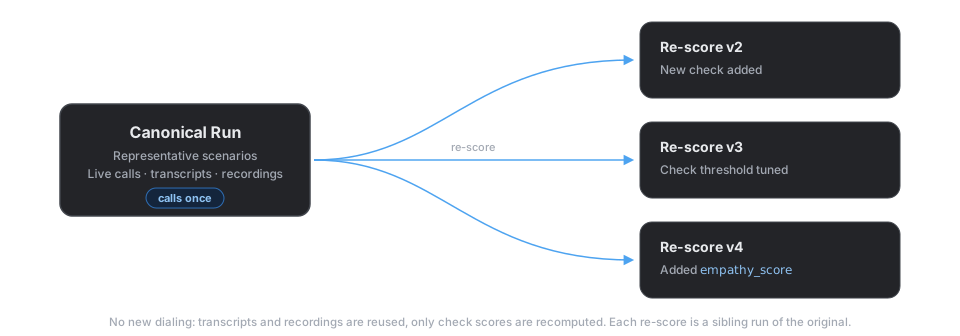
Each re-score is cheap, fast, and produces a comparable run alongside the original.
Where to Go Next
- Voice Checks: the catalog of checks available to re-score with.
- Experimentation and A/B Testing: once you have multiple runs (originals or re-scores), compare them in the app.
Full runnable script: 05_rescore.py