Your First Voice Simulation
Two minutes. A scored phone call against your voice agent, with a full transcript, recording, and quality checks. No code required.
You describe a caller in a single sentence. Okareo generates a structured driver persona, places a real call to your agent, runs a conversation, and scores the result.
In the App
-
Create a voice target. Go to Targets, click New Target, and switch the type selector to Voice. Pick a provider (Phone is the simplest: just your agent's phone number). Enter the To Phone Number and click Create.
-
Create a driver. Go to Simulations, open the Drivers tab, and click New Driver. The wizard walks you through Industry → Use Case → Persona → Confirm. Describe the caller's objective in Driver Main Goal, optionally toggle Add Voice to pick a voice and tone, then click Create Driver. (Or click Blank Driver to skip straight to a fully editable template.)
-
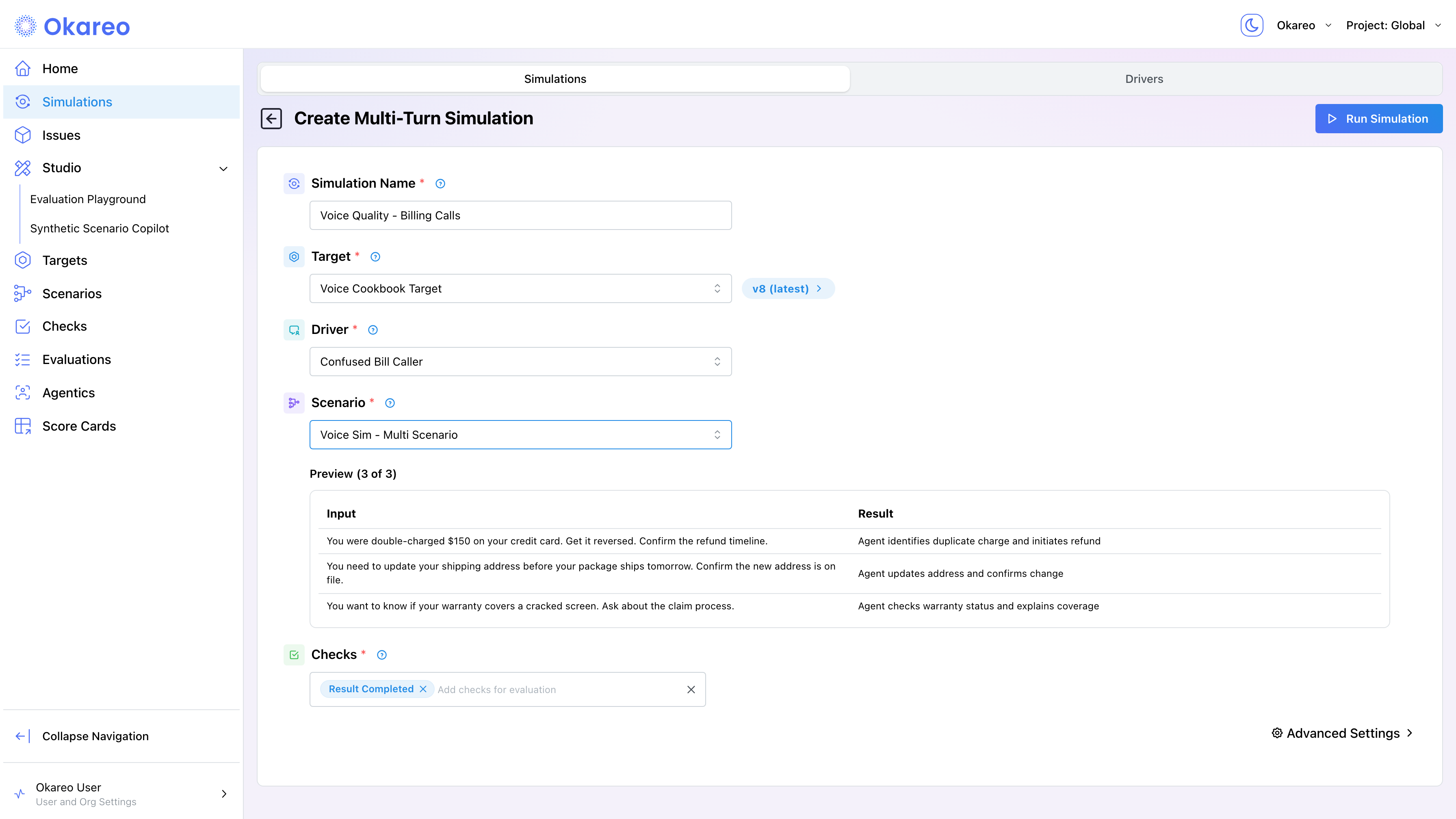
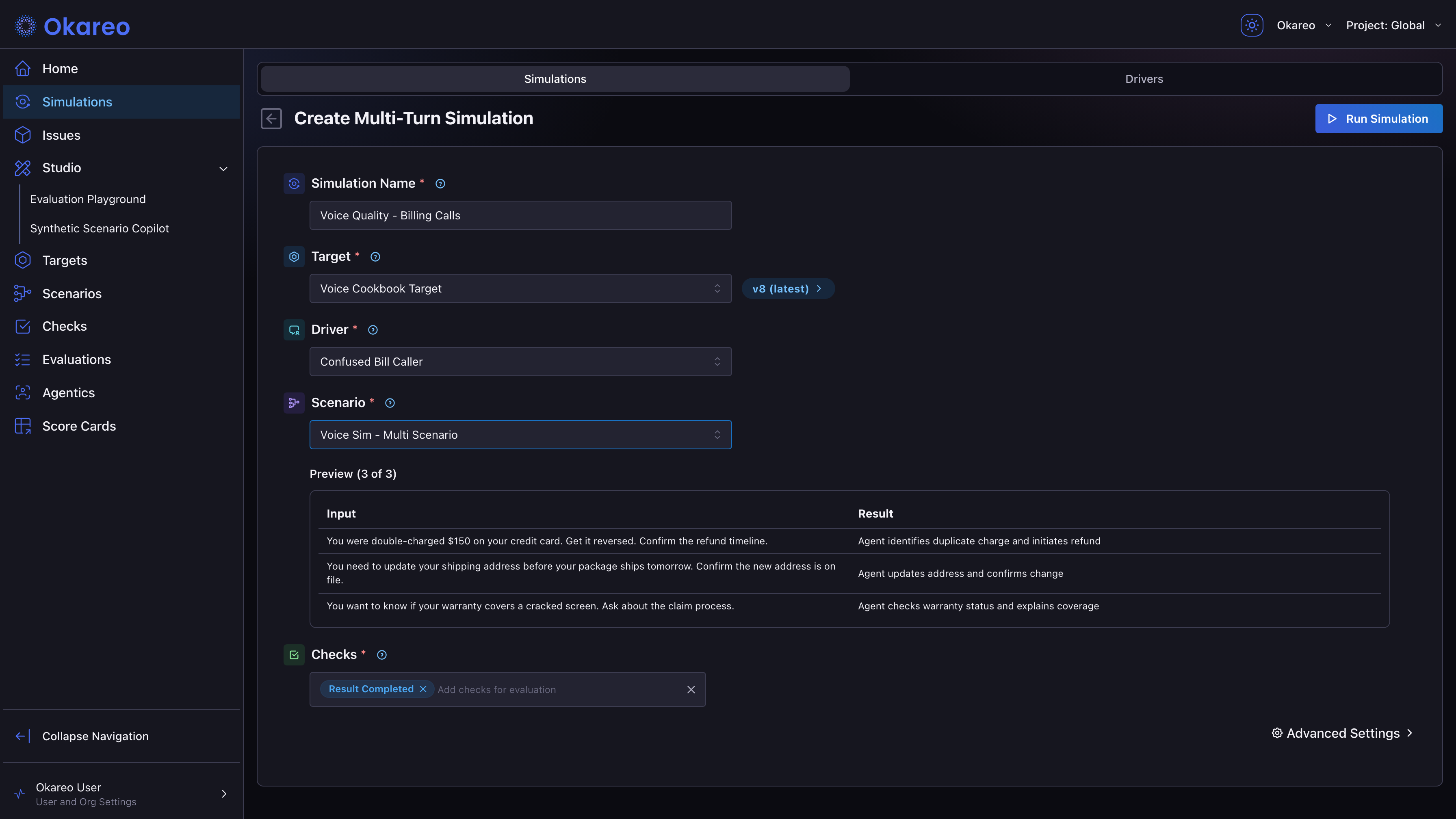
Start a simulation. On the Simulations tab, click New Simulation. Name the run, then select your voice target, driver, and a scenario (pick an existing one or start from a template; each scenario row produces one phone call). The Preview table shows the first rows.
-
Add checks and run. In the Checks section, add at least one check (e.g.
time_to_first_audio). Click Run Simulation.
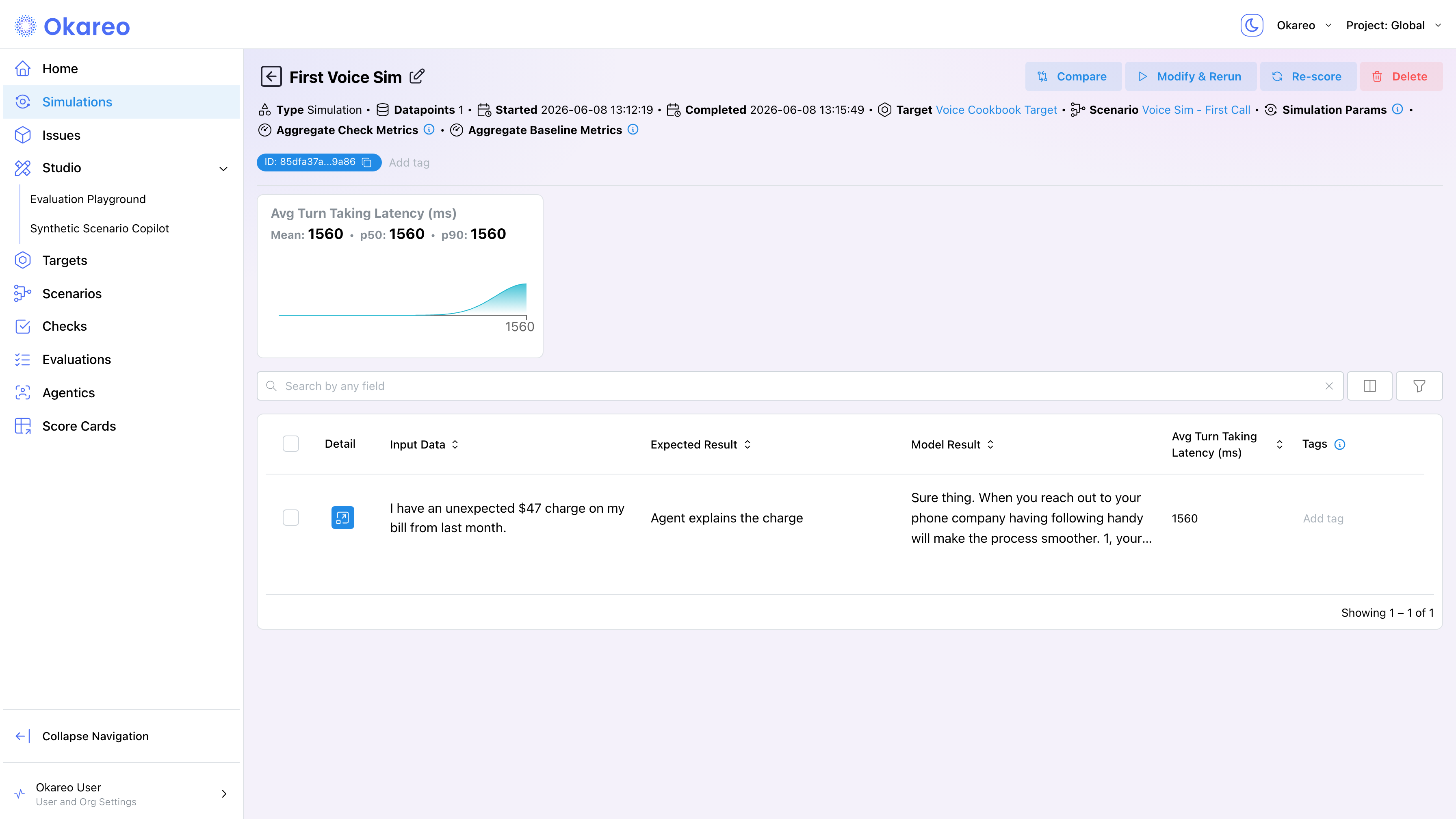
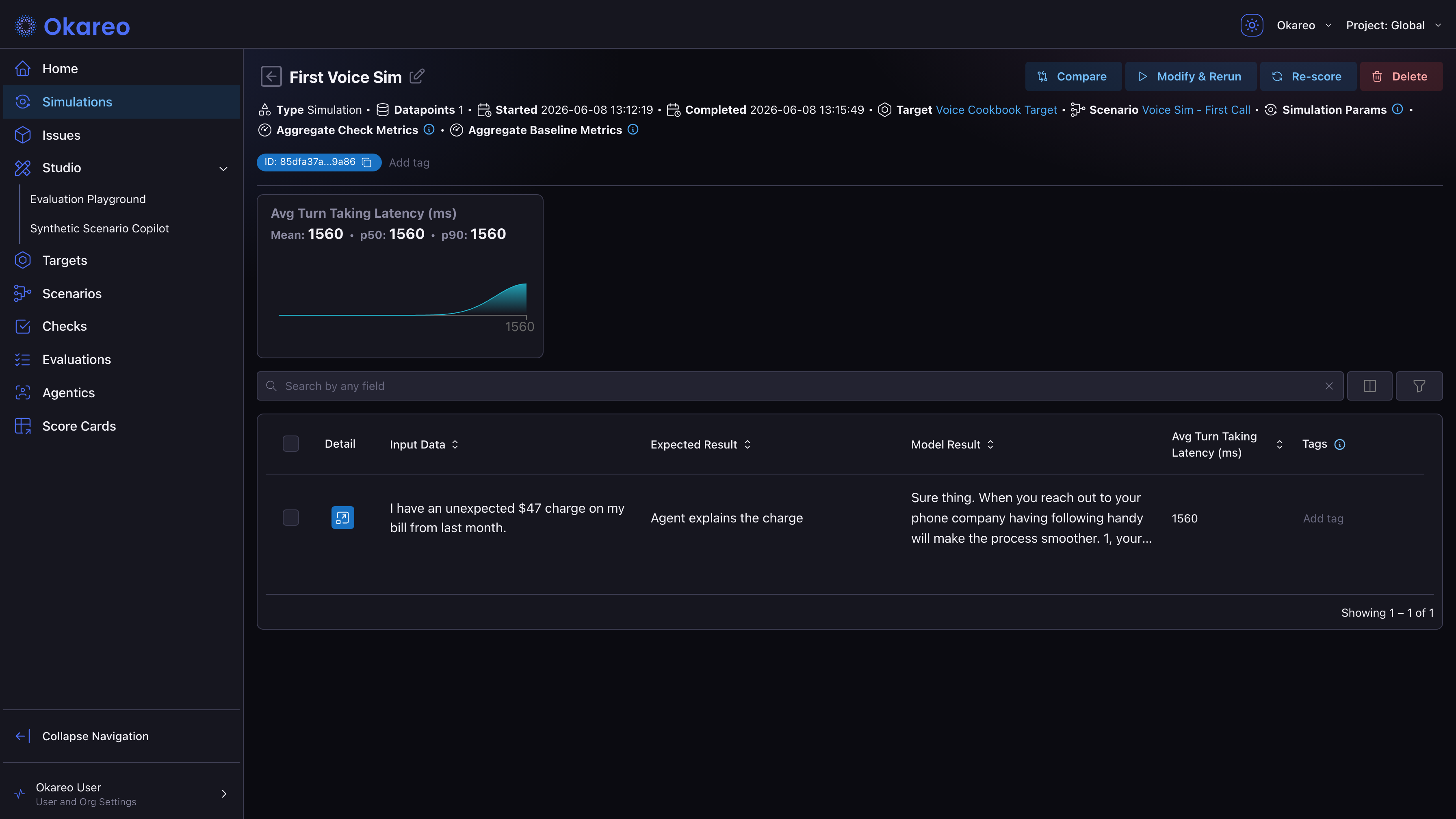
- Inspect the result. When the run finishes, open it to see:
- Score summary cards for each check.
- A per-conversation table. Click Detail on any row for the full turn-by-turn transcript.
- The call recording, playable in the browser. Click any turn to jump to that point in the audio.
From the SDK
The same workflow is available programmatically. Three calls: generate a driver from a sentence, create a one-row scenario, run the simulation.
import os
from okareo import Okareo
from okareo.model_under_test import PhoneTarget, Target
from okareo_api_client.models import ScenarioSetCreate

okareo = Okareo(os.environ["OKAREO_API_KEY"])

# 1. One sentence -> structured driver persona
driver = okareo.generate_driver_prompt(
    "Confused elderly customer calling about an unexpected charge on their phone bill"
)

# 2. Define a single scenario row
scenario = okareo.create_scenario_set(ScenarioSetCreate(
    name="First Voice Sim",
    seed_data=okareo.seed_data_from_list([
        {"input": "I have an unexpected $47 charge on my bill from last month.",
         "result": "Agent explains the charge"}
    ]),
))

# 3. Run a real phone call against your voice agent
result = okareo.run_simulation(
    name="First Voice Sim",
    target=Target(name="My Voice Agent", target=PhoneTarget(phone_number="+1XXXXXXXXXX")),
    scenario=scenario,
    driver=driver,
    max_turns=4,
    checks=["time_to_first_audio"],
)

print(f"Status: {result.status}")
print(f"Results: {result.app_link}")
| Piece | Role |
|---|---|
okareo.generate_driver_prompt(...) | Turns one sentence into a structured Driver with Persona, Objectives, Soft Tactics, Hard Rules. |
Driver | The simulated caller. Speaks turns generated by an LLM, shaped by prompt_template. |
PhoneTarget(phone_number=...) | Points Okareo at your voice agent. Okareo handles the telephony provider, call orchestration, recording, and transcription. |
ScenarioSetCreate | The test matrix. One row = one conversation. input is the caller's mission; result is the expected outcome. |
run_simulation | Orchestrates the call, runs the conversation, scores it with the requested checks. |
checks=["time_to_first_audio"] | Minimum viable check: average gap between the caller finishing and the agent starting to reply. |
Where to Go Next
- Voice Targets and Channels: reach your agent over SIP or WebRTC instead of a phone number, dial extensions, navigate IVRs.
- AI Agent & Integration Testing: what you should actually be testing across task completion, compliance, accuracy, and more.
- Personas and Scenarios: replace the generated driver with a hand-crafted persona, add voice identity and tone, run multiple scenarios.
- Voice Checks: add
result_completed,response_loop, and other checks beyond latency. - First Speaker: controlling which party opens the conversation.
Full runnable script: 01_first_voice_sim.py